
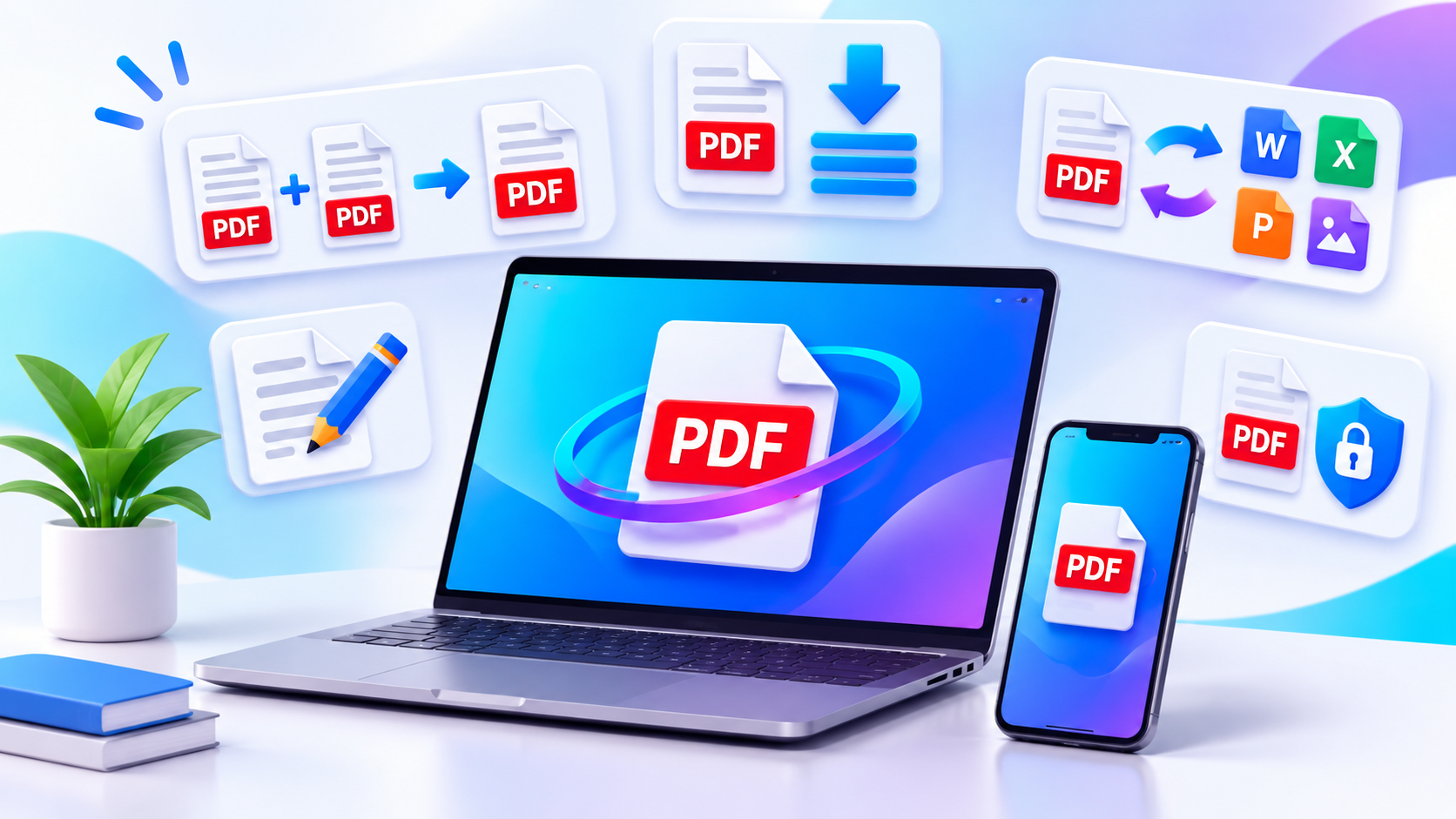
How to Manage PDF Files Online: Merge, Convert, Edit & Compress PDFs
PDF files have become an essential part of everyday digital life. From students submitting assignments to businesses sharing invoices, contracts, reports, and presentations, people rely on PDF documents to keep information organized and consistent across devices.
However, working with PDF files is not always straightforward. You may need to combine multiple documents, reduce a large file size, convert a PDF into an editable Word document, extract individual pages, or protect confidential information.
Installing expensive desktop software for occasional document tasks is not always practical. Fortunately, online PDF tools make it possible to handle many common document operations directly from a web browser.
With Pro PDF Tools, users can access a collection of online utilities designed to simplify PDF conversion, editing, organization, optimization, and document management.
In this guide, we will explore the most useful ways to manage PDF files online and explain which tools can help with different document-related tasks.
Why PDF Is One of the Most Popular Document Formats
PDF stands for Portable Document Format. It was developed to make document sharing more reliable by preserving the appearance of a document across different devices, operating systems, and applications.
Unlike editable document formats, PDF files are designed to maintain their layout. Fonts, images, tables, spacing, and page formatting generally remain consistent when a document is opened on another computer.
This makes PDF particularly useful for:
Business proposals and reports.
Academic assignments and research papers.
Digital invoices and receipts.
Contracts and agreements.
Product manuals and eBooks.
Application forms and official documents.
Presentations and printable resources.
Despite these advantages, PDFs can become difficult to manage when you need to modify their contents or reuse information in another format.
That is where online PDF utilities become useful.
1. Merge Multiple PDF Files Into One Document
One of the most common document management tasks is combining multiple PDF files into a single document.
Imagine receiving several pages of a business report as separate PDF files. Instead of sending every file individually, you can combine them into one organized document.
A PDF merging tool makes this process simple.
How to merge PDF files online
Open the Merge PDFs tool.
Select multiple PDF files from your device.
Arrange the files in your preferred order.
Start the merging process.
Download your combined PDF document.
Merging PDFs is especially useful for students combining lecture notes, professionals preparing reports, and businesses organizing invoices or contracts.
Try the Merge PDF tools on Pro PDF Tools.
2. Convert PDF Files Into Editable Word Documents
PDF documents are excellent for sharing, but editing their original content can sometimes be challenging.
For example, you might receive a PDF containing a report that needs corrections. Recreating the entire document manually would waste valuable time.
Converting PDF to Word provides a more convenient solution.
A PDF to Word converter attempts to transform PDF content into an editable document while retaining as much of the original formatting as possible.
This is useful when you need to:
Update existing business documents.
Correct spelling mistakes.
Modify paragraphs and headings.
Reuse information in another document.
Edit previously exported reports.
If your PDF contains scanned pages rather than selectable text, an OCR-enabled converter may be required.
OCR stands for Optical Character Recognition. It identifies text inside images and scanned documents, allowing that content to become searchable and editable.
3. Compress PDF Files Without Unnecessary Quality Loss
Large PDF files can create problems when uploading documents to websites, sending email attachments, or sharing files through messaging applications.
For example, an image-heavy PDF report might be several megabytes in size, making it inconvenient to upload over a slow internet connection.
PDF compression helps reduce document size by optimizing images and other file content.
When should you compress a PDF?
Consider compressing your document when:
An online application has a file-size limit.
Your email service rejects large attachments.
You want to share documents faster.
You need to save storage space.
You are uploading PDFs to a website.
The ideal compression level depends on the document. Image-heavy PDFs may become significantly smaller, while text-based documents may already be relatively compact.
Always review the compressed document to ensure that important text, images, and diagrams remain readable.
4. Convert Word, Excel, and PowerPoint Files to PDF
Office documents are frequently exchanged between businesses, employees, students, and clients.
However, opening an editable document on another device can sometimes change its formatting.
Converting office documents into PDF helps preserve their presentation.
Word to PDF
Word documents are commonly used for letters, reports, proposals, and assignments. Converting them into PDF makes them easier to distribute in a fixed-layout format.
Excel to PDF
Spreadsheets often contain tables, calculations, and financial information. Converting Excel files into PDF is useful when you want to share a report without requiring recipients to edit the spreadsheet.
PowerPoint to PDF
Presentations can be exported into PDF format for convenient sharing, printing, and reviewing.
Pro PDF Tools provides dedicated conversion utilities for these document formats.
5. Convert PDF Pages Into Images
Sometimes you do not need an entire PDF document. You may only want to share a specific page as an image.
Converting PDF pages into JPG or PNG images is useful for:
Sharing document previews.
Adding PDF pages to presentations.
Publishing document visuals online.
Using diagrams in design projects.
Creating image-based references.
JPG is commonly used for photographs and smaller image files, while PNG is useful when you need sharp graphics and support for transparency.
For multiple-page documents, PDF-to-image conversion can generate a separate image for each page.
6. Edit PDF Documents Directly Online
PDF editing is another important requirement for people who regularly work with digital documents.
Depending on the document and available editing features, you may need to change text, add images, insert pages, or adjust the visual appearance of a PDF.
Online PDF editing utilities can help with several common tasks.
Some useful PDF editing operations include:
Adding images to PDF pages.
Changing text appearance.
Adding headers and footers.
Inserting blank pages.
Adding page labels.
Creating custom PDF documents.
Managing embedded attachments.
These features can help organize documents without rebuilding an entire file from scratch.
For more advanced editing requirements, the original source document may still provide better editing flexibility.
7. Organize, Rotate, and Split PDF Pages
A document can contain unnecessary pages, incorrect page sequences, or incorrectly oriented scans.
Instead of recreating the complete document, you can use dedicated PDF organization utilities.
Split PDF
Splitting allows you to separate a large PDF into smaller documents.
For example, you can extract one chapter from a textbook or separate individual sections from a business report.
Rotate PDF
Scanned documents sometimes contain sideways or upside-down pages. A rotation tool helps correct their orientation.
Remove PDF Pages
If your document contains unnecessary pages, you can remove them while keeping the remaining content.
Reorder PDF Pages
Page organization tools allow you to rearrange pages into the correct sequence.
These utilities are particularly useful for managing scanned documents, academic notes, business reports, and large PDF collections.
8. Protect Sensitive PDF Documents
Digital documents sometimes contain confidential information that should not be freely accessible.
Examples include financial statements, business agreements, personal records, and internal company reports.
PDF protection utilities can help add password restrictions or remove sensitive information from documents.
Some important PDF security operations include:
Adding password protection.
Applying redactions to sensitive information.
Adding watermarks.
Removing unnecessary document metadata.
Sanitizing PDF files.
Adding digital or handwritten signatures.
One important consideration is that simply placing a black rectangle over sensitive text does not necessarily remove the underlying information. Use a proper redaction process and verify that the content cannot be recovered.
Also, password protection does not replace secure file storage or careful sharing practices.
9. Extract Text, Tables, and Data From PDF Files
PDF documents frequently contain valuable information that needs to be reused elsewhere.
For example, a financial report may contain tables that need to be analyzed in a spreadsheet. A technical document may contain structured information that a developer wants to process programmatically.
Instead of manually copying everything, specialized PDF extraction tools can make the process easier.
Useful conversion options include:
| Conversion | Main Purpose |
|---|---|
| PDF to Text | Extract readable text |
| PDF to Excel | Reuse tables in spreadsheets |
| PDF to CSV | Work with structured tabular data |
| PDF to JSON | Process document data programmatically |
| PDF to HTML | Reuse document content on websites |
| PDF to XML | Export structured information |
| PDF to SVG | Work with scalable graphics |
These tools can be valuable for researchers, developers, analysts, and content professionals.
Results depend on the structure of the original PDF. Complex layouts and scanned documents may require additional processing.
10. Use PDF Tools for Education and Business
PDF management is not limited to one profession. Different users have different document requirements.
Students
Students can combine lecture notes, convert assignments into PDF format, extract text from study materials, and organize academic documents.
Teachers
Teachers can prepare printable worksheets, combine educational resources, add page numbers, and distribute learning materials.
Freelancers
Freelancers can prepare proposals, organize client documents, convert reports, and share professional invoices.
Small Businesses
Small businesses can manage invoices, combine contracts, protect documents, and organize financial records.
Developers
Developers can extract PDF text, convert structured document data, and reuse information in other applications.
Researchers
Researchers can convert documents into searchable formats, extract relevant information, and organize large collections of academic resources.
11. Why Choose Browser-Based PDF Tools?
Traditional desktop applications can be useful for advanced document production. However, they may require installation, updates, and additional storage.
Browser-based PDF tools offer a convenient alternative for everyday document tasks.
Here are some of their advantages:
No complicated installation
You can open a compatible online tool directly in your browser.
Convenient access
You can work from a desktop computer, laptop, tablet, or smartphone with a supported browser.
Dedicated utilities
Instead of navigating complicated software menus, you can open a tool designed for a specific task.
Faster everyday workflows
Combining, splitting, converting, or rotating a document can often be completed in a few simple steps.
Flexible document management
A collection of different PDF utilities allows you to handle multiple document operations from one platform.
12. Discover More PDF Utilities With Pro PDF Tools
Finding the right utility for a particular document problem can save time and reduce unnecessary manual work.
Pro PDF Tools brings together a broad collection of online document utilities in one place.
The platform includes tools across several categories:
PDF conversion to different formats.
Conversion from PDF into other document formats.
PDF editing and customization.
Page organization and management.
PDF compression and resizing.
Document protection and security.
PDF analysis and extraction.
Whether you need to merge several documents, convert an Excel spreadsheet, extract PDF text, or organize a scanned report, you can explore the available utilities through the platform.
Visit Pro PDF Tools to browse the tools directory and choose the utility that matches your requirements.
Frequently Asked Questions
1. What are online PDF tools?
Online PDF tools are browser-based utilities that allow users to perform document operations such as merging, splitting, compressing, converting, editing, and protecting PDF files.
2. Can I merge multiple PDF files online?
Yes. A PDF merger allows you to select multiple documents, arrange their order, and combine them into one PDF file.
3. How can I reduce the size of a PDF?
You can use a PDF compression utility to optimize document content and reduce file size. The amount of compression depends on the original document.
4. Can I convert PDF to Word?
Yes. PDF-to-Word conversion tools transform PDF content into an editable document. Formatting accuracy depends on the original PDF structure.
5. Can I convert images into PDF files?
Yes. Image-to-PDF and JPG-to-PDF tools allow you to combine images into a single PDF document.
6. What is OCR in PDF conversion?
OCR stands for Optical Character Recognition. It identifies text within scanned images and converts it into machine-readable text.
7. Are online PDF tools useful for businesses?
Yes. Businesses can use PDF utilities to prepare invoices, organize contracts, convert reports, compress attachments, and manage digital documents.
8. Do I need to install software to use Pro PDF Tools?
Pro PDF Tools offers browser-based utilities, so you can access its available tools through a compatible web browser without installing a traditional desktop PDF application.
9. How can I protect a PDF document?
You can use password protection, proper redaction, and other document security features to help protect sensitive information. Always verify the final document before sharing it.
10. Where can I find free online PDF utilities?
You can visit Pro PDF Tools to explore its collection of PDF conversion, editing, organization, compression, and document management utilities.
Final Thoughts
Managing digital documents should not require complicated software or unnecessary manual work.
From merging and splitting files to converting office documents, extracting information, and protecting sensitive content, the right PDF utilities can make everyday document management considerably easier.
Browser-based platforms provide a convenient way to complete these tasks from different devices.
If you regularly work with PDF documents, explore Pro PDF Tools and discover practical utilities for managing, converting, editing, and organizing your files in one place.
Start managing your PDF documents more efficiently today with Pro PDF Tools.
Comments
Leave a Comment